
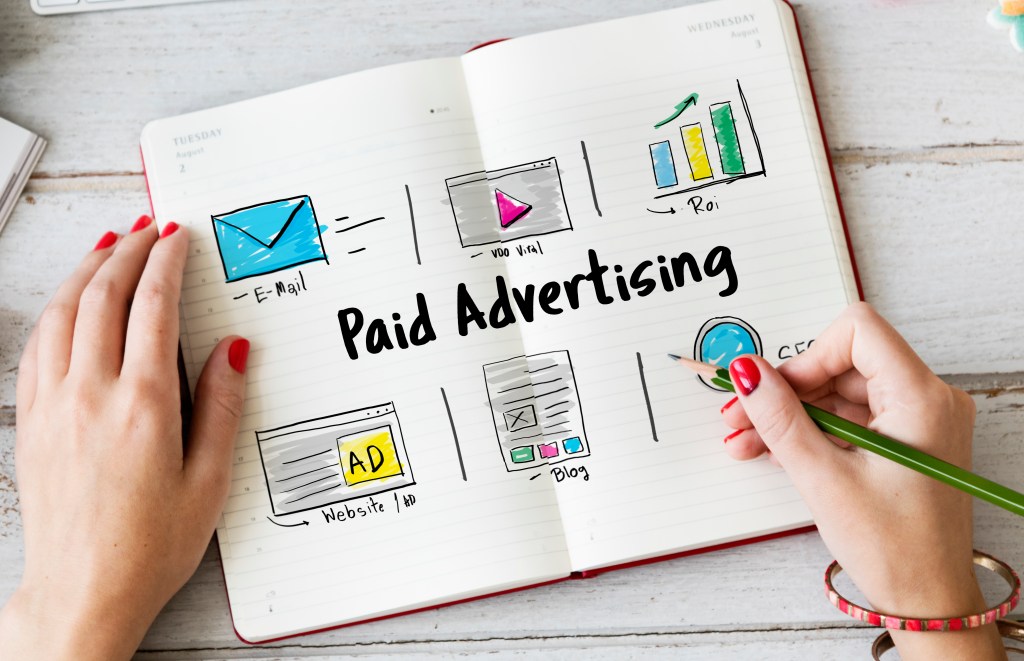
Google Ads, formerly Google AdWords, is a powerful online advertising platform. It can help businesses of all sizes reach their target audience and achieve their marketing goals. Whether you’re looking to drive traffic to your website, increase sales, or build brand awareness. Google Ads offers a range of tools and features to help you succeed. Here’s a comprehensive guide to get you started with Google Ads.
1. What is Google Ads?
Google Ads is a pay-per-click (PPC) advertising platform. It allows businesses to create ads that appear on Google search results. Ads can also appear across the Google Display Network, which includes millions of websites, apps, and videos. Advertisers bid on keywords relevant to their products or services. Their ads are displayed to users who search for those keywords. Ads are also shown to users who visit related sites.
2. Setting Up Your Google Ads Account
To get started with Google Ads, follow these steps:
- Create a Google Ads Account: Visit the Google Ads website and sign up for an account using your Google login.
- Set Your Budget: Decide how much you’re willing to spend on your campaigns. Google Ads lets you set a daily budget to control your spending.
- Choose Your Campaign Type: Google Ads offers various campaign types, including Search, Display, Video, Shopping, and App campaigns. Choose the one that aligns with your goals.

3. Keyword Research
Keywords are the foundation of your Google Ads campaigns. Conduct thorough keyword research to find the terms your target audience is searching for. Tools like Google Keyword Planner can help you find relevant keywords and estimate their search volume and cost-per-click (CPC).
4. Creating Your Ads
When creating your ads, focus on crafting compelling and relevant ad copy. Here are some tips:
- Headline: Grab attention with a clear and concise headline that includes your primary keyword.
- Description: Highlight the benefits of your product or service and include a strong call to action (CTA).
- Display URL: Make sure your display URL is relevant to the ad content and easy to read.
5. Setting Up Ad Groups
Organise your keywords and ads into ad groups. Each ad group should focus on a specific theme or product category. This helps improve the relevance of your ads and makes it easier to manage your campaigns.

6. Bidding Strategies
Google Ads offers several bidding strategies to help you achieve your campaign goals:
- Manual CPC: You set the highest cost-per-click for your ads.
- Enhanced CPC: Google adjusts your manual bids to maximise conversions.
- Target CPA: Google sets bids to help you get as many conversions as possible at your target cost-per-acquisition.
- Target ROAS: Google sets bids to maximise conversion value based on your target return on ad spend.
7. Monitoring and Optimisation
Once your campaign is live, it’s crucial to check its performance and make necessary adjustments. Use Google Ads’ reporting tools to track key metrics like click-through rate (CTR), conversion rate, and cost-per-conversion. Regularly review your keywords, ad copy, and bidding strategies to improve your campaigns for better results.
8. Advanced Features
As you become more comfortable with Google Ads, explore advanced features like:
- Remarketing: Target users who have previously visited your website with tailored ads.
- Ad Extensions: Enhance your ads with additional information like site links, call buttons, and location details.
- A/B Testing: Experiment with different ad variations to see which performs best.
Conclusion
Google Ads is a versatile and effective tool for driving traffic, generating leads, and increasing sales. By understanding the basics and continuously optimising your campaigns, you can achieve significant results and grow your business. Start small, experiment with different strategies, and use data-driven insights to refine your approach.
I hope this guide helps you get started with Google Ads! If you have any questions, don’t hesitate to reach out. Feel free to share this on your social media to let your friends know!
 EDS Marketing
Leave a comment